AI Automation Consultant Options for Small Businesses
Compare AI automation consultant options for small businesses, from a free ROI-focused roadmap to insurance workflow support and managed implementation.

Hiring an AI automation consultant should save work, not give you another system to manage. For small businesses, the right fit depends on the workflow you need fixed and who will run it after launch. Here are four service types to compare, starting with Huge AI.
We analyzed 58 comments and questions from Reddit, YouTube and Quora about AI automation consulting and found that 28% mentioned integration challenges.
1. Huge AI
Huge AI helps owner-operators find where AI can run parts of their business, then build and operate those workflows. It’s designed for business owners who need time back or want to grow without taking on another tool to learn.
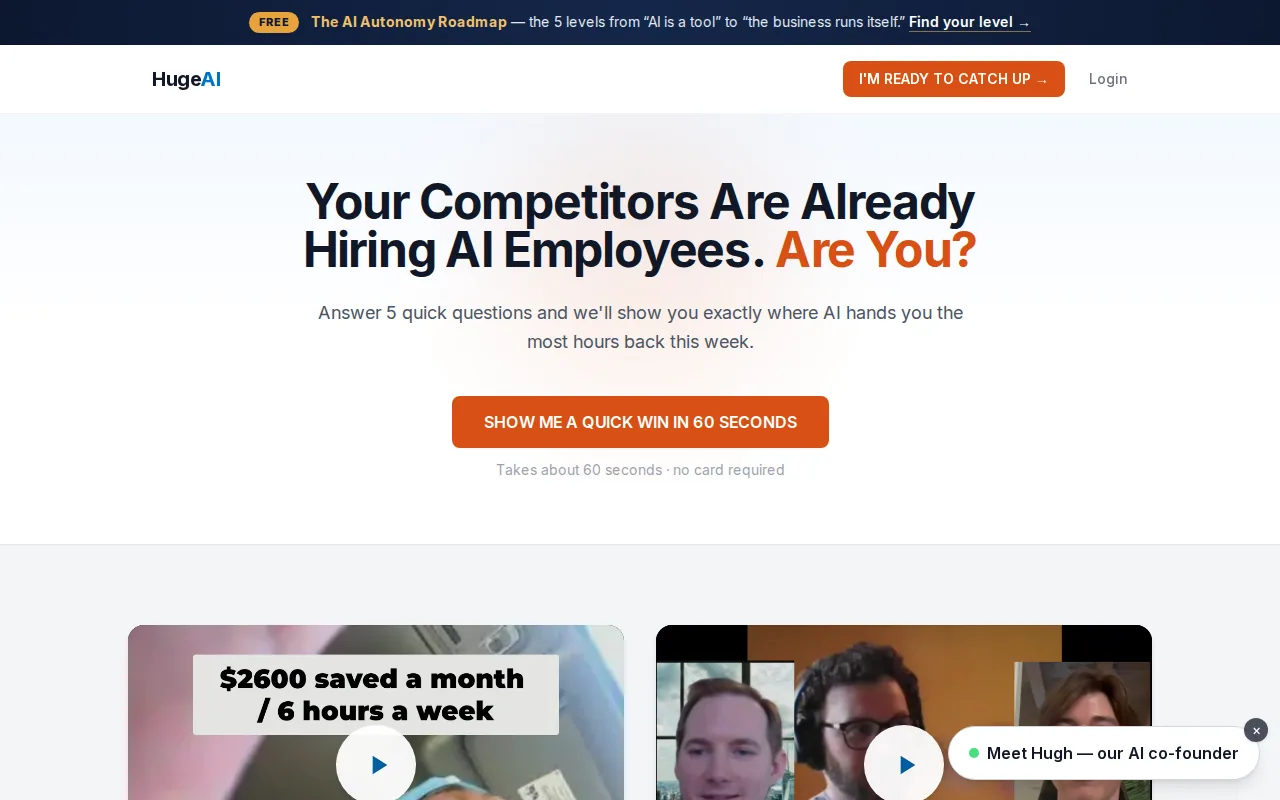
The starting point is a free, 45-minute AI Growth Roadmap. The same-day report lays out three to seven prioritized fixes, with estimated dollar and hour impact for each. That gives you a way to discuss the work before spending money on implementation.
We map how your business actually runs. That means looking at where leads arrive, who follows up, how jobs get booked, and which tasks keep landing back on the owner’s desk. The goal is to find work AI can handle, not to wedge a new tool into every process.
From there, the service can move from guidance to hands-on work. AI Concierge is done-with-you support. AI Employees are done-for-you systems built and managed by Huge AI. Depending on the workflow, an AI employee may answer calls, book leads, or follow up on quotes. You approve scenarios before an employee goes live.
Huge AI also states a 5+ hours per week time-saved guarantee. Ask how the guarantee applies to your proposed workflow and what will count as saved time. A result needs a clear starting point, such as weekly hours spent responding to new inquiries or chasing quotes.
This setup suits an owner who wants someone else to handle the build and ongoing operation. If you’d rather compare specific workflow scopes first, our small-business AI automation services overview covers common areas such as lead response and insurance admin. Start with the free roadmap before you commit to a build.
2. Custom builders for repeatable document workflows
Some consultants build custom AI automation around repeatable document workflows and the systems you already use, turning model outputs into steps inside those tools. This may suit an owner looking to connect document work to systems already used by the business.
Start by naming one repeatable workflow. Map what information comes in, what needs checking, and what action should follow. That makes it easier to see where an automated step fits and where a person should review the result.
A workflow can look simple until information is missing or a record conflicts with another system. Make those exceptions visible before building automation. Don’t treat a fast demo as proof that the whole process is ready to run without review.
For document workflows, steps may include collecting information from a request and preparing a file for review. how PDF automation works for small businesses. Decide which actions can proceed automatically and which need a person’s approval.
Before choosing a provider, ask how the proposed workflow connects to your existing systems and how exceptions are handled. If your process touches insurance verification, our guide to automated insurance verification also explains why verification has limits and where exceptions need attention.
3. AI automation for local service businesses, faster lead response and scheduling
AI automation for local service businesses can address challenges at firms such as plumbing, roofing, electrical, and HVAC companies. It may be worth considering when new inquiries arrive while technicians are on jobs, or when an owner spends evenings sorting messages and confirming appointments.
A possible workflow starts with a new inquiry. The system can send a prompt reply, gather basic details, and help the customer take the next step toward booking. Staff can then focus on requests that need a person, such as a complex job or a customer with an urgent concern.
Consider what happens after the first reply. A quote can need a follow-up. A booked visit may need a reminder. A completed job might lead to a request for feedback. These are separate steps, so ask a provider to show how each one connects to your current way of working.
Before choosing a provider, review forms, calls, messages, calendars, and response times to spot handoff problems. Ask what happens when a customer gives incomplete information or wants a time the team can’t meet.
For after-hours inquiries, consider whether a lead that comes in late can receive an initial response while staff are away, with a clear path for human follow-up. An automated reply shouldn’t promise a service, price, or arrival time that your team hasn’t approved.
If you already use a mix of forms and calendars, ask whether a provider can connect the parts without forcing a full system change. For example, an integration service such as AI automation integration with Zapier is relevant when the goal is to pass information between existing workflow tools. Confirm who tests the connections and handles changes after launch.
For a small team, a useful first project may be a single path from inquiry to booked job. Measure the time staff spend on that path and how long a new lead waits for a response. Then decide whether the system improved the whole handoff, not just the first message.
4. Implementation partners for the systems you already run
Other consultants focus on implementation: they connect AI steps to the software, inboxes and records your team already works in, then hand the system over to your staff.
Before agreeing to a build, ask for the workflow in plain language. What starts the process? What information does it use? Which decisions can it make? When does it stop and ask a person? Those answers help you tell a working business process from a polished demo.
Good project planning includes edge cases. An invoice might arrive with a missing field. A customer message might ask for something outside the usual service. A system connection might fail. The plan should explain how the workflow retries, flags an exception, and tells the right person what needs attention.
Some firms begin with an operations review and rank possible work by expected return. Others include staff training, written procedures, or ongoing tuning. Those are different service scopes, so compare the actual deliverables instead of relying on labels like “AI transformation.”
Also ask who owns the accounts, data access, and workflow documentation. If you stop working together, your team should know where the system runs and what to do when it needs a change. Get the handoff and support terms in writing before the project begins.
Huge AI’s model includes both implementation and operation for its done-for-you AI Employees. The team builds the employee around the business and manages it after launch. For an owner who cannot spare staff time to maintain another workflow, that distinction can matter more than the specific AI model used.
Compare the AI Automation Consultant Options
Compare providers by the work they take on and the responsibility your team keeps. A low-cost build can still create extra work if you must manage every exception. A larger engagement may add controls that your first workflow doesn’t need.
| Option | Best fit | Ask before hiring |
|---|---|---|
| Done-for-you build and operation (Huge AI) | Owners who want the system built and run for them | What baseline proves the time saved, and who runs the system after launch? |
| Custom document-workflow builders | Repeatable document work tied to existing systems | How do model outputs become steps in your tools, and where does a person review them? |
| Local service lead-response automation | Trades that miss inquiries while crews are on jobs | What happens when a customer gives incomplete details or wants a time you can’t meet? |
| Implementation partners | Teams that will run the system themselves after handover | Who owns the accounts, data access and documentation when the project ends? |
Ask every provider to define the starting measure and the result they’ll track. For an agency, that could be time to issue a certificate. For a contractor, it could be time from a new inquiry to a human response. Those measures make the scope easier to judge than a tool list.
Buyer’s Checklist: Fit, Human Review, and Who Runs the System
Before you hire an AI automation consultant, write down one workflow and its current pain. A focused brief makes it easier to compare proposals without needing to become a developer.
- Fit: Can the provider explain your process in plain words before recommending a tool?
- Value: What baseline will you use, and how will you measure time or revenue impact?
- Review: Which outputs need a person’s approval, especially when customer or insurance decisions are involved?
- Exceptions: What happens when data is missing, a request falls outside the rules, or an integration fails?
- Ownership: Who controls the accounts and data, and who updates the workflow?
- Support: What happens after launch, and how will staff report a problem?
For regulated or sensitive work, ask how the provider limits data access and documents system actions. A risk-management resource can prompt useful questions, but it is not a substitute for your own legal or compliance advice.
Compare the full operating plan, not only the build. Testing, staff review, system access, and ongoing support all affect whether the workflow stays useful once real customer requests come through.
FAQ
What does an AI automation consultant do?
An AI automation consultant finds repeat work that may be handled with automation, maps how the process works, and helps design or build a system for it. The work can include deciding what should stay human-reviewed and measuring results against a starting point. Ask whether the consultant also manages the system after launch.
How much does an AI automation consultant cost?
The cost depends on the work, the systems involved, and whether the engagement covers advice, implementation, or ongoing operation. Ask for a scoped proposal that names each deliverable and any recurring support. Compare that cost with the hours or revenue impact you expect, using your own baseline rather than a generic promise.
How do I choose an AI consultant for an insurance agency?
Choose someone who can map the specific agency workflow, explain where client data goes, and define which steps need staff review. Ask how they handle missing documents or conflicting records. For renewals and certificates, keep coverage decisions and final approval with the appropriate licensed staff.
Should a small business hire a consultant or build automation in-house?
Hire a consultant when your team lacks time or skill to assess, build, test, or maintain the workflow. In-house work may fit if someone can own those tasks and support the system after launch. Either way, name a business owner for the process and set a measure before the work begins.
What is the safest first AI automation project?
A safer first project is narrow, repeatable, and easy for a person to check. Start with a workflow such as sorting an inquiry or preparing a draft for staff review, rather than automating a high-impact decision. Test real examples, set clear escalation rules, and expand only after the team can spot errors.
Conclusion
If you want help choosing a workflow before committing to a build, start with Huge AI’s free AI Growth Roadmap. Grab a 45-minute slot, review the same-day report, and decide whether the potential time savings justify the next step.
Want an AI employee that answers every lead instantly?
That's what we build at Huge AI. One flat plan, no fine print.
See pricing →