AI Options for Small Insurance Agencies
Compare AI for insurance agents by workflow, oversight, and fit. See options for calls, policy documents, client service, and managed implementation.

AI for insurance agents can help with missed calls, policy paperwork, and repeat client requests. The right fit depends on the task, the systems you use, and where a licensed person must step in. Here are five options for small agencies, starting with a managed service that builds and runs AI around your business.
We analyzed 24 comments and questions from YouTube and Quora about AI for insurance agents and found that 38% asked whether AI will replace agents.
1. Huge AI: Managed AI operations
Huge AI helps owner-operators find where AI can run parts of their business, then build and operate those systems. For an independent agency, that could mean looking at repeat work such as lead response, appointment booking, call handling, or quote follow-up and deciding what can be safely handed off.
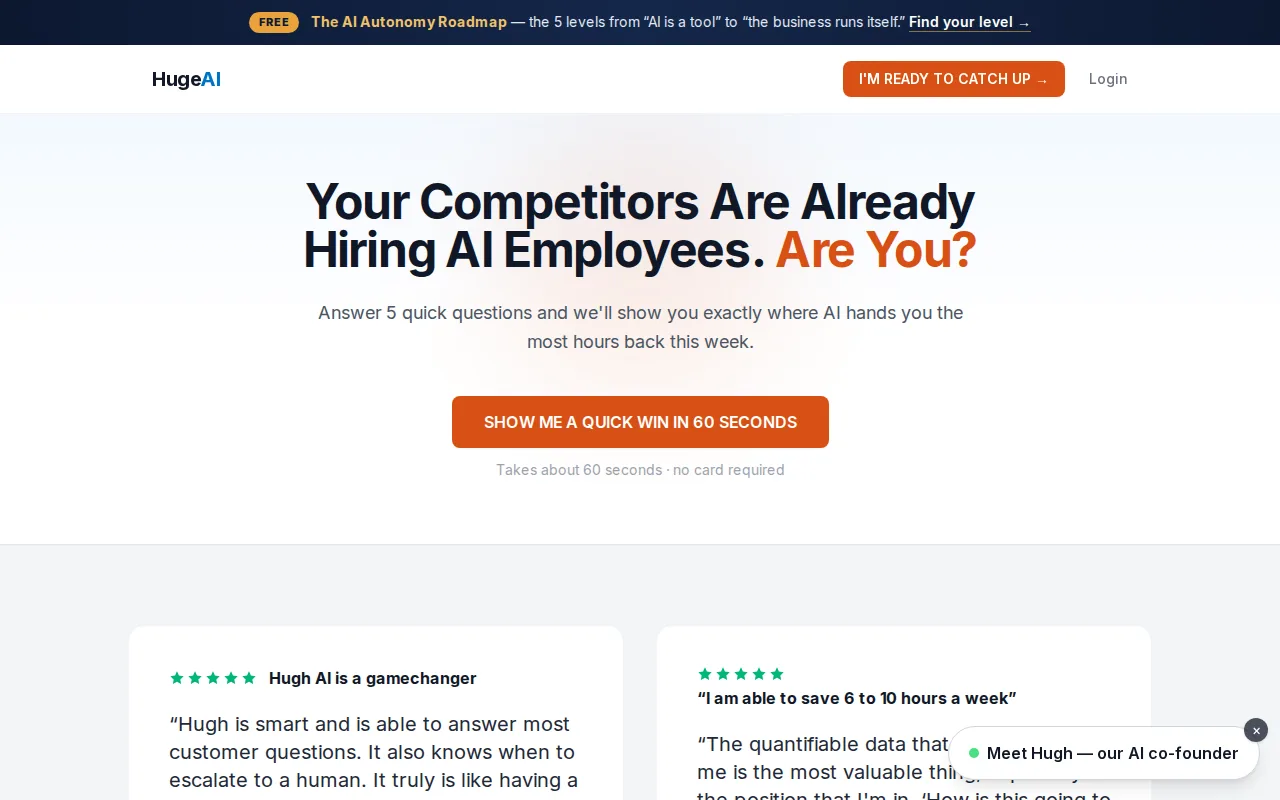
The starting point is a free AI Growth Roadmap. In a 45-minute session, we map how your business actually runs and prepare a same-day report with prioritized fixes and estimated time and dollar impact. That gives you a way to assess the work before you spend a dime building anything.
Huge AI’s service path can move from advice to hands-on support, then to a done-for-you AI Employee. The company says its managed AI Employee can answer calls, book leads, and follow up around the clock, using information about the business. You approve scenarios before the system goes live. For an agency, approval should include clear rules for what the AI may answer and when it must pass the caller to licensed staff.
Huge AI’s site states a 5+ hours per week savings guarantee. Treat that as a claim to verify against your own workflow: ask which tasks count, how the starting time is measured, and how results are reviewed. A useful estimate starts with task volume and handling time, then accounts for review work and exceptions. Our overview of AI for insurance brokers also covers privacy, compliance, and human review.
This approach suits an owner who wants an outcome without taking on another tool to configure and manage. It is less about picking a single insurance function and more about mapping a process, setting guardrails, and operating the automation component by component. See Huge AI’s site for its current service paths.
2. AI voice receptionist: Routine calls and after-hours routing
An AI voice receptionist answers calls, identifies why someone is calling, and routes routine requests. It can be useful when the agency team is tied up, the office is closed, or several calls arrive at once. The aim is to capture the request and send it to the right next step, not to replace a licensed agent.
Possible routine call types include appointment requests, billing questions, certificate requests, and first notice of loss intake. A safe workflow records the caller’s reason and contact details, then routes coverage questions or unusual cases to a person. If the system creates notes in an agency management system, check that the note is complete and attached to the right record.
Before choosing a voice workflow, test it with sample calls that reflect your agency. Include a new quote request, a billing question, a policy change request, and a caller who describes a loss. Listen for inaccurate answers, missing details, and cases where the system should have escalated. Make sure the handoff tells staff what the caller asked and what the AI already captured.
Call handling also needs a clear privacy rule. Decide what information the AI can ask for, where call records are stored, and who can review them. Don’t let a voice assistant guess at coverage or promise that a claim will be paid. Those decisions need a qualified human review.
For small agencies, the central question is whether routine calls are consuming time or slipping to voicemail. If the problem is mainly call volume, a focused receptionist workflow may be easier to test than a broad automation project. For more on the task itself, see these AI call answering service options.
3. Fastio Metadata Views: Policy details from PDFs
Fastio Metadata Views extracts policy numbers, coverage limits, and expiration dates from PDFs into a searchable spreadsheet. Its listed task is focused on those policy details: the tool reads them from PDF documents and places them in a format that can be searched.
The extracted fields are policy numbers, coverage limits, and expiration dates. The result is a searchable spreadsheet containing those details from the PDFs. This is a focused document extraction task, rather than a broader description of insurance work.
Extraction accuracy depends on scan quality. The quality of a scan can affect how accurately the policy numbers, coverage limits, and expiration dates are extracted. That limitation applies to the details placed in the searchable spreadsheet.
For an insurance agent looking at policy PDFs, the available function is extracting policy numbers, coverage limits, and expiration dates into a searchable spreadsheet. The spreadsheet format makes those extracted fields searchable, while scan quality remains a factor in extraction accuracy.
This use case is limited to extracting those policy details from PDFs into a searchable spreadsheet. It does not describe a coverage review or a decision about what a client needs. Extraction accuracy depends on scan quality.
4. Bevaya: Insurance workflow support
Bevaya is listed for several insurance tasks: submission intake, loss-run processing, FNOL setup, certificate of insurance generation, coverage analysis, rating, next-step recommendations, and document reading and analysis. An agency can review this task list to see whether it matches work its team handles repeatedly.
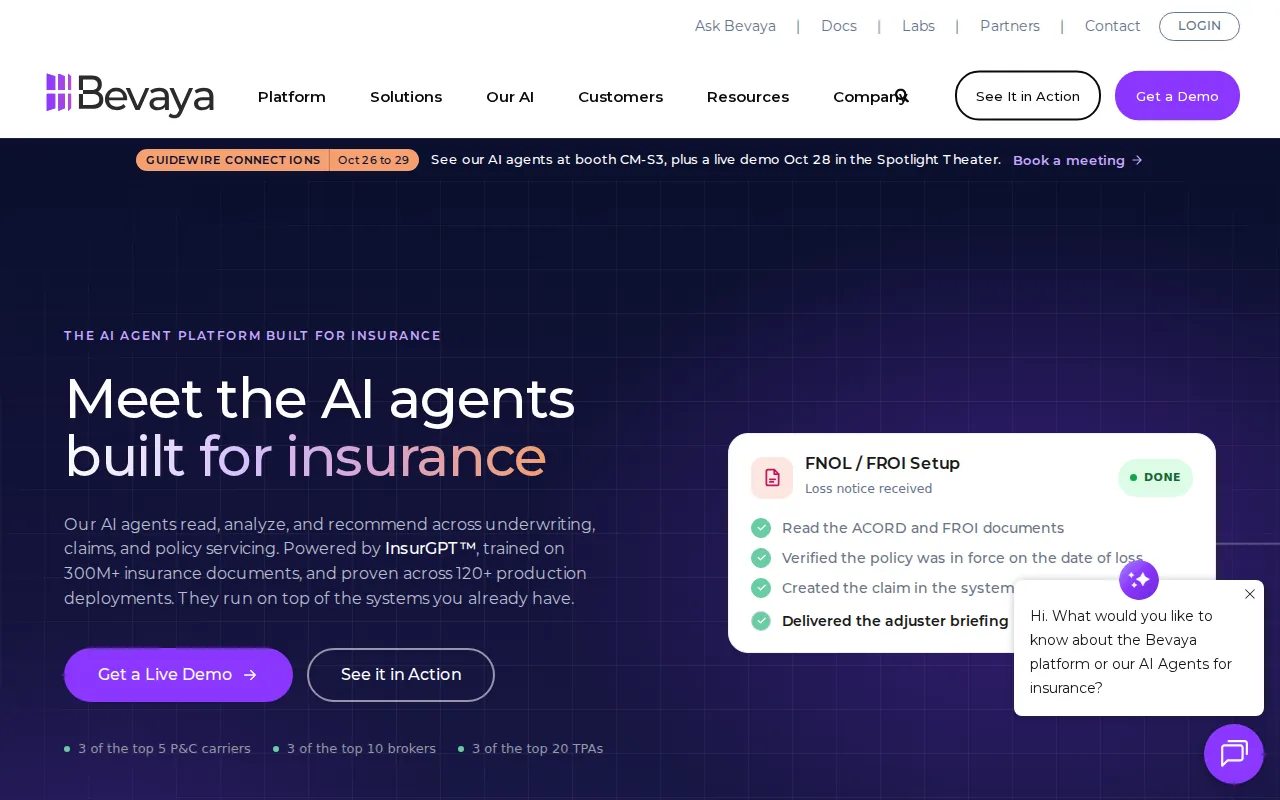
For submission intake, loss-run processing, and FNOL setup, identify which task you want to evaluate first. Ask the vendor to demonstrate that task using sample records, including a case with incomplete information.
Bevaya is also listed for certificate of insurance generation and coverage analysis. When reviewing those tasks, clarify what staff need to check before a certificate is issued or a coverage analysis is used.
Other listed tasks include rating, next-step recommendations, and document reading and analysis. Ask how each task fits the agency’s current process and what information staff need to review.
A broad task list matters less than a clear fit with the agency’s day-to-day work. Start by naming one repeated task and its current owner, then evaluate how Bevaya handles that task.
5. Zelros: Real-time product recommendations
Zelros is an advisor tool for product recommendation. It provides real-time product recommendations during calls, chats, or in-person meetings. For an insurance agent, the described use is receiving product recommendations during one of these interactions.
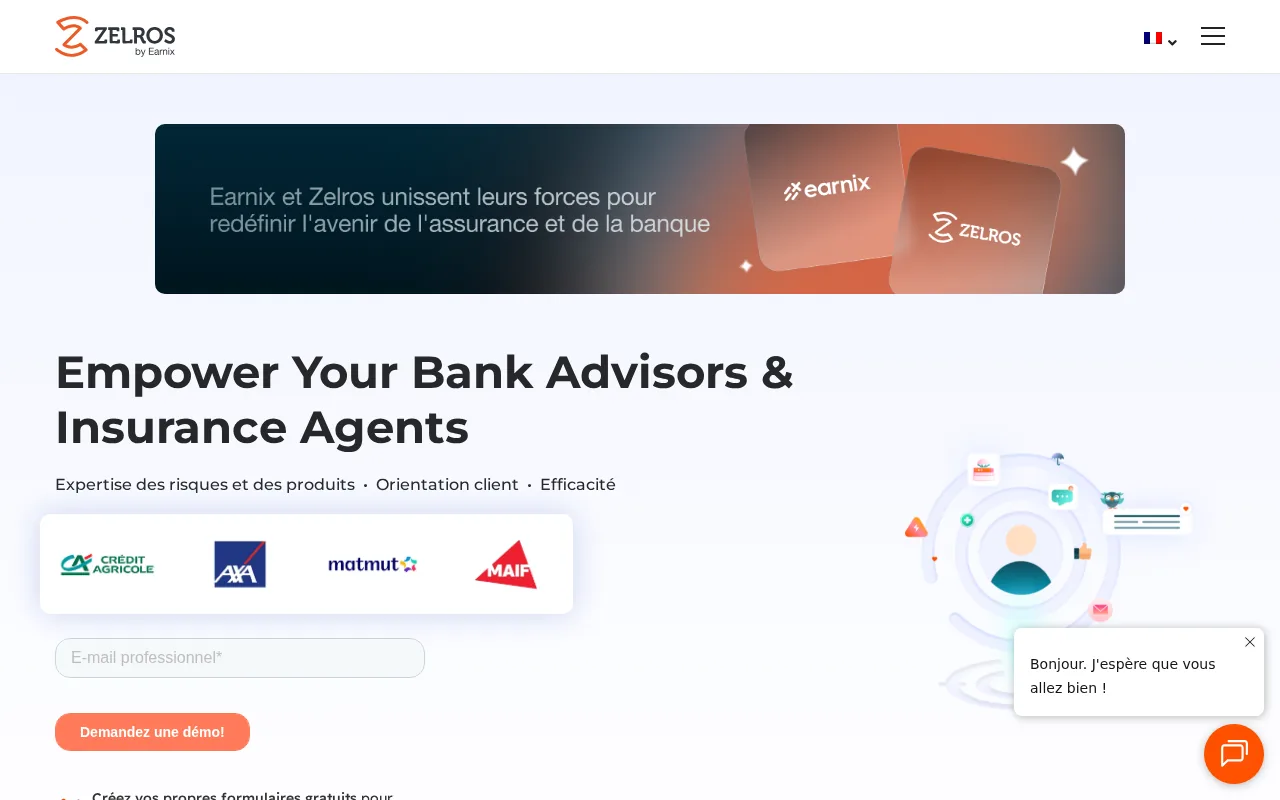
The listed settings are calls, chats, and in-person meetings. In each setting, Zelros provides real-time product recommendations. This describes product recommendation support during an agent interaction.
Zelros’s primary business function is advisor tool – product recommendation. Its integration target is the Earnix platform. Those are the stated function and integration target for this tool.
When considering this option, the described capability is real-time product recommendations during calls, chats, or in-person meetings. The listed details identify the advisor use and the Earnix platform integration target.
In short, Zelros provides product recommendations in real time during calls, chats, or in-person meetings. It is listed as an advisor tool for product recommendation, with the Earnix platform as its integration target.
Compare the five options by agency workflow and oversight
Use the table to match the work that slows your team to the kind of automation that can help. The right choice depends on how often the task occurs and how much human judgment it needs. For a separate look at claim intake and related tasks, see insurance claims automation options.
| Option | Best fit | Human check | First measure |
|---|---|---|---|
| Huge AI managed operations | Several repeat tasks need mapping, building, and ongoing operation | Approve scenarios; review licensed or sensitive work | Hours spent on the selected workflow |
| AI voice receptionist | Routine or after-hours calls need capture and routing | Escalate coverage questions and unusual requests | Calls captured with useful notes |
| Fastio Metadata Views | Extract policy numbers, coverage limits, and expiration dates from PDFs into a searchable spreadsheet | Extraction accuracy depends on scan quality | See website |
| Sprout.ai | Automate document intake, triage, coverage checks, fraud flagging, and decision support | See website | See website |
| Zelros | Provide real-time product recommendations during calls, chats, or in-person meetings | See website | See website |
A short buyer’s checklist
Before a pilot, write down the task’s trigger, required information, expected result, and the person who owns exceptions. Keep that as a simple SOP, or standard operating procedure. For instance: “When a certificate request arrives, identify the policy, prepare the draft, and route it to a staff member for approval.” Add a stop rule for missing policy data or unusual wording.
Set a baseline before switching anything on. Track how many requests arrive, how long each takes, and how often staff need to correct or escalate the work. Include the time spent reviewing AI output. Savings are the time removed from the full process, not just the seconds a model spends reading a file.
Ask how the system handles private client data, who can access its records, and whether your existing agency software can send and receive the needed fields. Agencies should also check their own state rules, carrier requirements, and E&O obligations with qualified counsel or compliance staff.
For each pilot, keep a person responsible for reviewing exceptions. A written rule should say what the AI can do, what it must not do, and who takes over when it reaches a limit. Review a sample of completed cases on a set schedule, then pause or adjust the workflow if errors rise or staff can’t trace the result.
FAQ: AI for insurance agents
What can AI do for a small insurance agency?
AI can help with repeat work such as call intake, document sorting, policy document handling, and follow-up drafts. The agency should define which actions are safe to automate and which need a licensed person. Start with a task that has clear inputs and outputs, then measure time saved after review work is included.
Can AI give insurance coverage advice?
AI can help organize information or prepare a draft, but a licensed professional should review coverage advice. Policy language and client circumstances can be complex, and a mistaken answer can harm trust or create E&O risk. Set a clear escalation rule so the system routes uncertain or sensitive questions to a qualified staff member.
How should an agency measure AI savings?
Measure the full workflow before and after the change. Record how many tasks arrive, the time staff spend on each one, how much review is needed, and how often the system makes errors. Count only time actually removed from the process. Also track whether requests are completed correctly and reach the right staff member.
How can an agency protect client data when using AI?
Limit the data the system can access to what the task needs. Check access controls, data handling terms, record retention, and how staff can review or correct outputs. Ask who can see client information and how incidents are handled. Confirm your state rules, carrier terms, and internal compliance requirements before using real client records.
Conclusion
Choose the workflow that costs your agency the most staff time, then test one narrow use case with a human review point. If you want help finding that first use case and assessing the likely time and dollar impact, start with Huge AI’s free AI Growth Roadmap before building anything.
Want an AI employee that answers every lead instantly?
That's what we build at Huge AI. One flat plan, no fine print.
See pricing →