Insurance Claims Automation Options
Compare insurance claims automation options for intake, document review, validation, payments, and client updates with a focus on ROI and compliance.

Insurance claims work can swallow an owner’s week one handoff at a time. AI can help with intake, document review, coverage checks, and client updates, but capability claims rarely include a clear time or cost result.
Here are seven options to consider, starting with a done-for-you path from Huge AI and then moving through the main claim tasks worth automating.
1. Huge AI
Huge AI is a done-for-you AI service for owner-led insurance agencies and other small businesses. It’s for owners who need work off their desk, but don’t want another app to learn or manage.
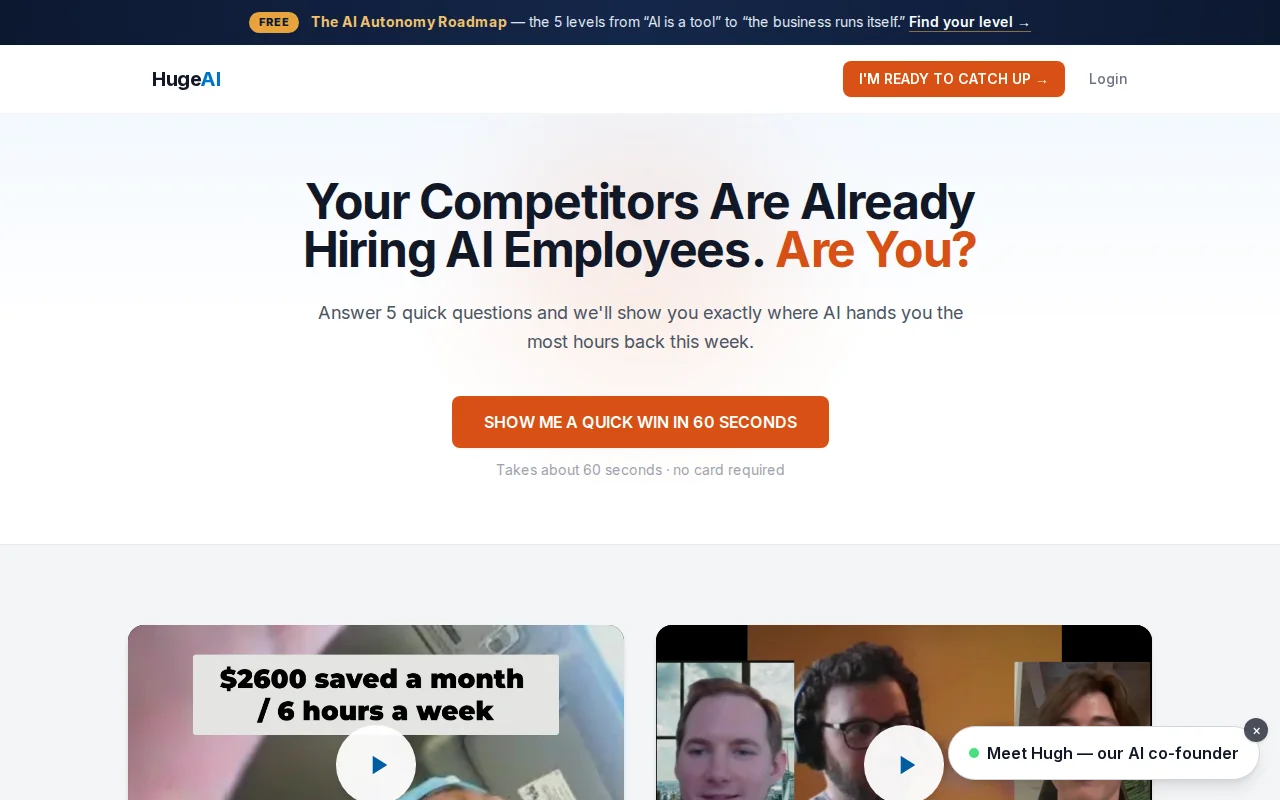
We map how your business actually runs. Then we find the claim tasks AI can handle and build the workflow component by component. The service can start with a free 45-minute AI Growth Roadmap. You get a same-day report with 3, 7 fixes, each tied to expected hours and dollar impact before you spend a dime building anything.
That ROI focus matters. Many named a technique such as natural language processing or computer vision. Only Huge AI attached its service to a stated weekly time result, with a 5+ hours per week savings guarantee for claim processing.
The work can move through three levels. AI Concierge support is done with you. AI Employees are done for you, with Huge AI building and operating the system. That distinction is important for an independent agency. Your team shouldn’t have to become part-time software engineers just to reduce claim admin.
Huge AI is also a fit when the problem is wider than claims. The same assessment can spot wasted time in lead response, follow-up, scheduling, certificates of insurance, or after-hours handling. Our AI automation services for small businesses explain that done-for-you path in more detail.
The caveat is simple: no outside service can skip your data, rules, or review needs. A good first step is to map one claim workflow, set a baseline, and decide what still needs a licensed human.
2. Automated First Notice of Loss Intake, Faster, Cleaner Claim Capture
Automated First Notice of Loss intake is the entry point for insurance claims automation. It’s for agencies and claims teams that lose time gathering the same facts through email, web forms, and back-and-forth calls.
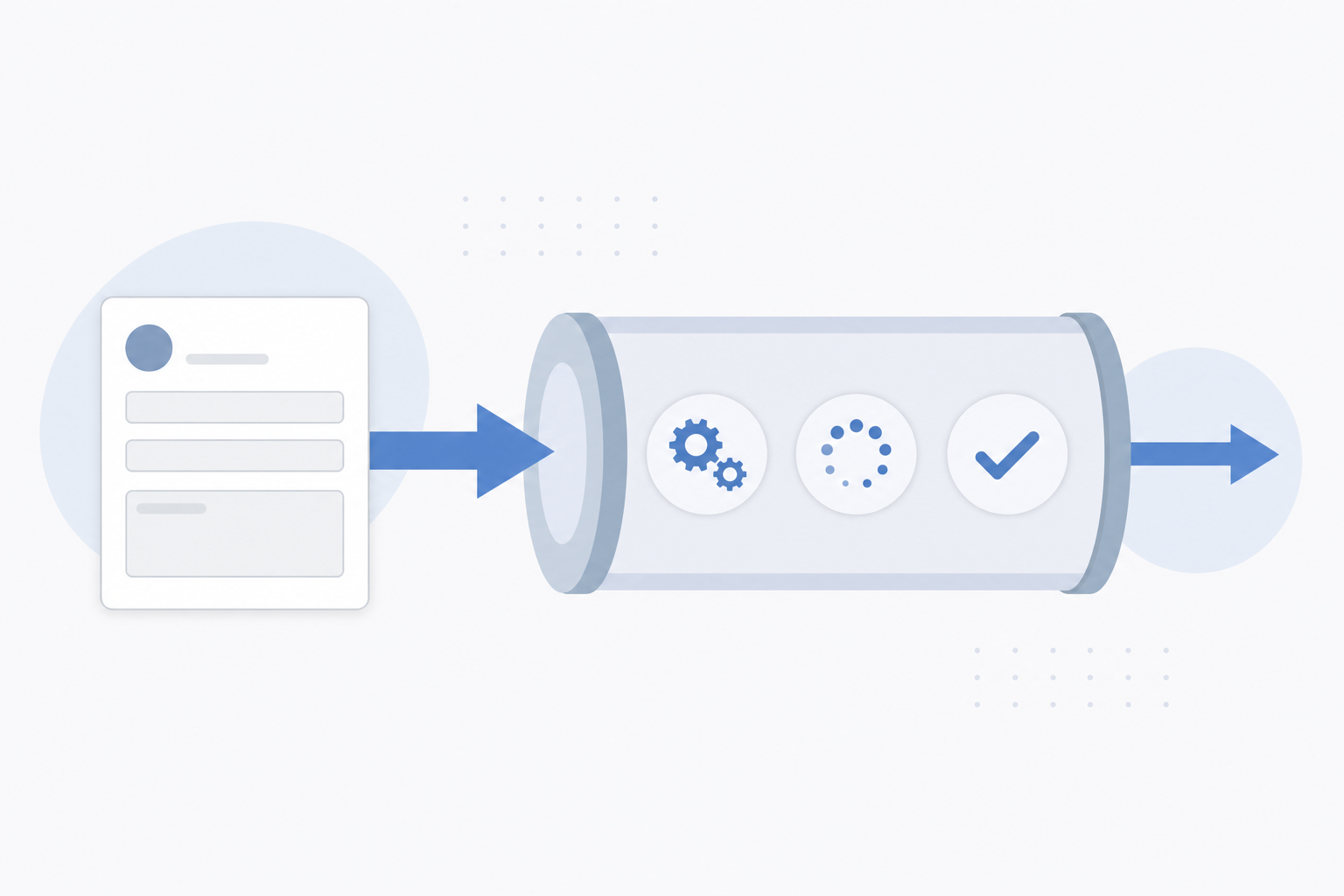
A well-planned FNOL flow asks for the details needed to open a claim. It can capture the loss date, location, policy information, event type, and a plain account of what happened. A chatbot or large language model can guide the conversation, but the workflow still needs checks before data reaches a claims system.
The goal isn’t a chat window for its own sake. The goal is a cleaner handoff. If a client reports water damage after hours, the intake flow can collect the first account while the agency sets a review task for the next business day.
Zurich’s insurance AI material lists chatbots and large language models as possible tools for claim intake. It also points to a key condition: AI decisions should be explainable and auditable, while data handling must meet privacy rules. You can of AI claims use cases for that framework.
For an independent agency, that means setting limits before launch. The system may collect facts and flag gaps. It shouldn’t make a coverage promise from an incomplete report. It also shouldn’t send a confident answer when the policy record is missing or unclear.
Start with one loss type. Property water claims may have a different intake need than auto glass claims or workers’ compensation reports. Keep the first version narrow. Measure how long intake took before the change, then compare the time spent on review and correction.
A second guardrail is human review. Route unusual losses, injury reports, possible fraud signals, and unclear policy matches to a person. That keeps speed from turning into an E&O problem.
FNOL automation earns its place when it reduces repeated questions without hiding uncertainty. If your team still has to retype every answer or chase missing facts, the intake flow hasn’t solved the handoff.
3. Document Data Extraction, Less Manual Re-Keying
Document data extraction uses OCR and computer vision to pull claim facts from files. It’s for teams buried in repair invoices, medical bills, policy forms, photos, email attachments, and scanned notes.
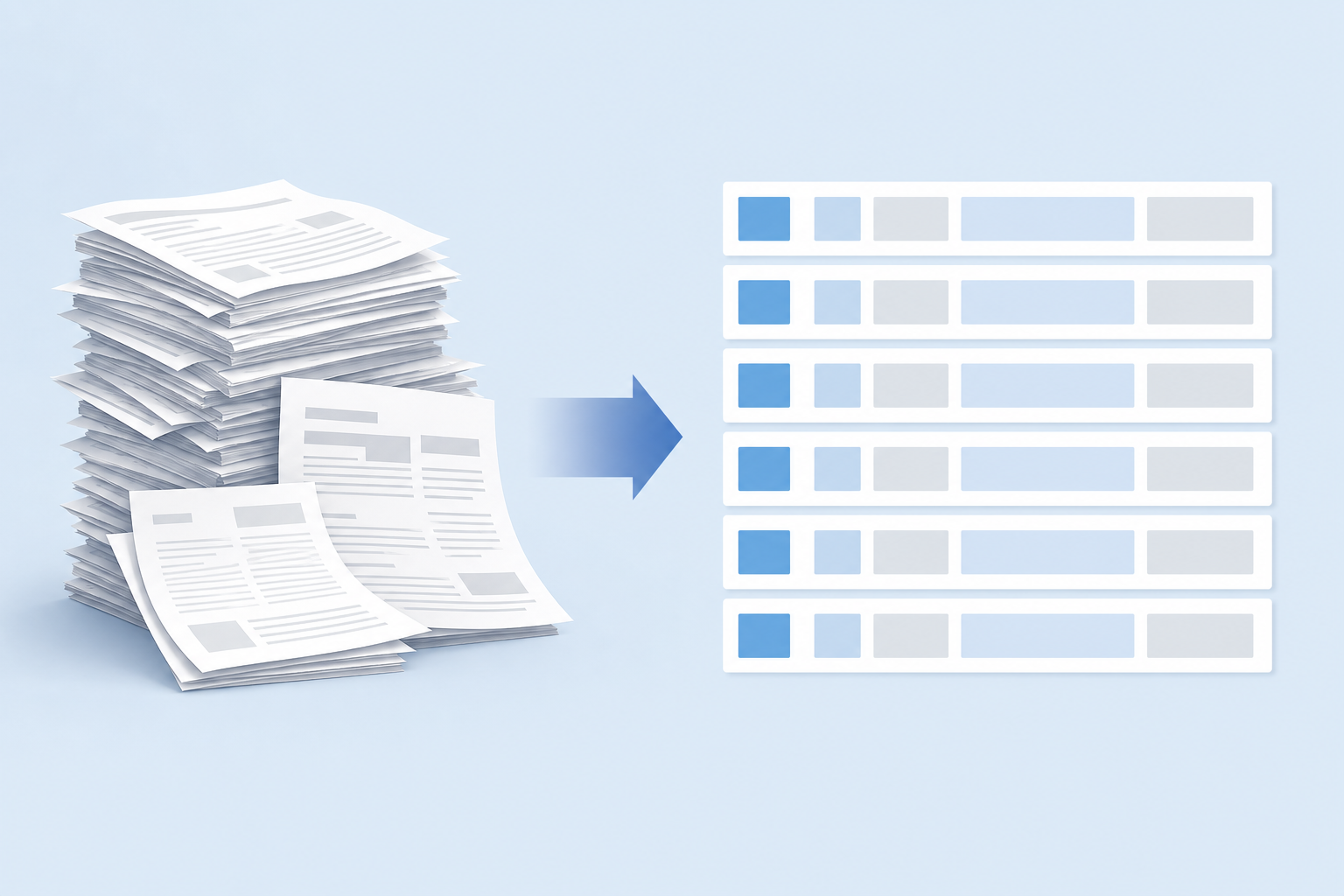
Claims documents rarely arrive in one neat format. A repair invoice may change its layout. A scanned form may have a faint signature. A packet can mix typed pages with handwritten notes and multi-page tables. Traditional OCR may work on a fixed form, then fail when a field moves by a few lines.
That failure creates a costly loop. A staff member opens the file, reads it, types the values into another system, then checks the entry. If the claim has several documents, the same facts may get copied more than once.
The research on insurance document processing describes OCR and computer vision as useful AI capabilities. It also recommends starting with a pilot tied to one claim type. That gives an agency a fair test instead of a vague promise that every document will work on day one.
One helpful design is a staged workflow:
- Classify the incoming file.
- Extract named fields.
- Check the values against known claim data.
- Send uncertain fields to human review.
- Keep the source file beside the extracted record.
The last two steps protect trust. An extracted value should have a clear path back to the source page. A reviewer should know which field needs attention and why the system marked it as uncertain.
Data quality is the quiet issue here. Inconsistent names, policy numbers, dates, and address formats can break later rules. Before you add AI, define how those values should look. A data checklist from Curacel makes the same point: mapping and standardization need attention before a claims workflow can process documents well.
For an owner, the test is easy to state. Pick a document group that consumes time every week. Track the minutes spent reading, typing, correcting, and checking it. Then run a limited pilot and compare the full review time, not only the extraction speed.
Extraction is a strong fit when the work is repetitive and the output is easy to verify. It’s a weaker fit when the source files are rare, highly varied, or too poor to read. In that case, keep the person in the loop and automate the parts that have a clear audit trail.
4. Claim Auto-Validation, Catch Missing or Conflicting Details
Claim auto-validation checks submitted facts against rules and known records. It’s for agencies that spend too much time finding missing fields, mismatched dates, or details that conflict across documents.

Validation is different from extraction. Extraction reads a document. Validation asks whether the extracted value makes sense beside the rest of the claim.
For example, a workflow might flag a loss date that comes after the reported repair date. It could mark a claim for review when the policy number in an invoice differs from the number in the intake record. It may also check whether required fields are present before the claim moves to the next queue.
Rule-based validation is often the right starting point. The rules are visible. A reviewer can see why the claim stopped. Natural language processing can add value when the key fact sits inside a free-text description rather than a fixed field.
The research used for this option lists rule-based validation and NLP as the matching AI capabilities. It also advises a narrow pilot with measured ROI. That advice is worth taking seriously. A rule that catches a real gap saves work. A rule that creates false alerts simply moves work into a new queue.
Build the review path before you turn on the checks. Each alert should answer three questions:
- What value caused the alert?
- What source supports that value?
- What action should the reviewer take?
Keep an audit record of the original data, the rule that ran, and the person who cleared the issue. This matters when a client asks why a claim stalled or when a manager reviews a disputed handoff.
Insurance agencies should also separate a missing fact from a negative decision. A missing document may need a request. A coverage concern may need policy review. Those actions shouldn’t be hidden behind one generic status such as “failed.”
Measure validation by looking at the whole queue. Count the alerts that led to a useful correction. Track the ones that a reviewer dismissed. Then tune the rules around the high-value checks first.
Auto-validation is a good fit when your team repeats the same checks across many claims. Keep human approval for decisions that may affect coverage, liability, or a client’s rights.
5. Policy Coverage Verification, Quicker Answers With Human Review
Policy coverage verification compares a claim with policy terms and rules. It’s for brokers and agency teams that spend hours searching policy records before they can give a client a careful answer.
Coverage work is a high-risk place to automate badly. A policy may contain exclusions, endorsements, limits, conditions, and dates that change the answer. A short summary can sound clear while leaving out the clause that controls the outcome.
Rule-based systems can help locate relevant terms and check known conditions. They can surface the policy section tied to a loss type. They can also flag a mismatch between the reported event and the available policy record.
But the workflow needs a review gate. The system should show the source language beside its summary. It should record the policy version used. If the policy text is incomplete, the answer should say that a human needs to check it.
The research for this area names rule-based systems as the matching capability. It repeats the same pilot advice found in other claim tasks: test one claim type, measure the result, and expand only after the workflow behaves as expected.
This is where explainability becomes an operating rule, not a nice feature. A manager should be able to trace the answer from the claim record to the policy text and then to the review decision.
Legacy systems add another constraint. Your coverage workflow may need to read from one system, store a note in another, and send a task to a third. Secure integration matters because a fast answer is worthless if it uses stale or partial data.
For a small agency, begin with retrieval and review rather than automated approval. Ask the system to find the relevant policy language and explain the missing pieces. Let a licensed person make the final call.
That approach can reduce search time without pretending that a model understands every policy nuance. Coverage verification should make human judgment better informed, not remove it from the process.
6. Customer Communication and Claim Summarization, Consistent Updates
Customer communication and claim summarization use generative AI to turn claim records into clear updates. They’re for agency teams that lose time writing status notes, recapping long threads, or answering the same “what happens next?” question.

A summary can bring the current facts into one short view. It might state when the claim was reported, which documents are still missing, and what task sits with the adjuster or agency. A client update can then use approved language without forcing a team member to rebuild the story from several screens.
Use templates for high-risk messages. The system can fill approved fields, but a person should review messages about denials, liability, settlement amounts, delays, or coverage concerns. The wording must match the record.
Large language models can summarize free text well when the source is clean. They can also repeat an incorrect note with a polished tone. That makes source links and review status important. A neat paragraph is not proof that the facts are right.
Zurich’s claims guidance identifies large language models and generative AI for communication and summarization. It also warns that sensitive personal data needs protection and that privacy rules still apply. A useful setup strips unnecessary personal data from prompts and limits access by role.
Give the system a small set of approved message types:
- Document request.
- Status update.
- Next-step reminder.
- Internal claim recap.
Each message type should have a clear owner. Someone must decide when the message goes out, who checks it, and what happens when the client replies with new facts.
Summaries can also help at handoffs. If one team member is away, another person can see the last verified update without reading a long email chain. That saves time while keeping the claim record intact.
Don’t judge this workflow by how human the writing sounds. Judge it by correction rate, review time, and missed follow-ups. If the draft needs heavy edits, fix the source data or narrow the template before expanding the use case.
7. Straight-Through Processing and Payment Routing, For Defined Low-Risk Claims
Straight-through processing moves a claim through set checks with little manual touch. Payment routing is for defined, low-risk claims where the facts are complete and the decision rules are clear.
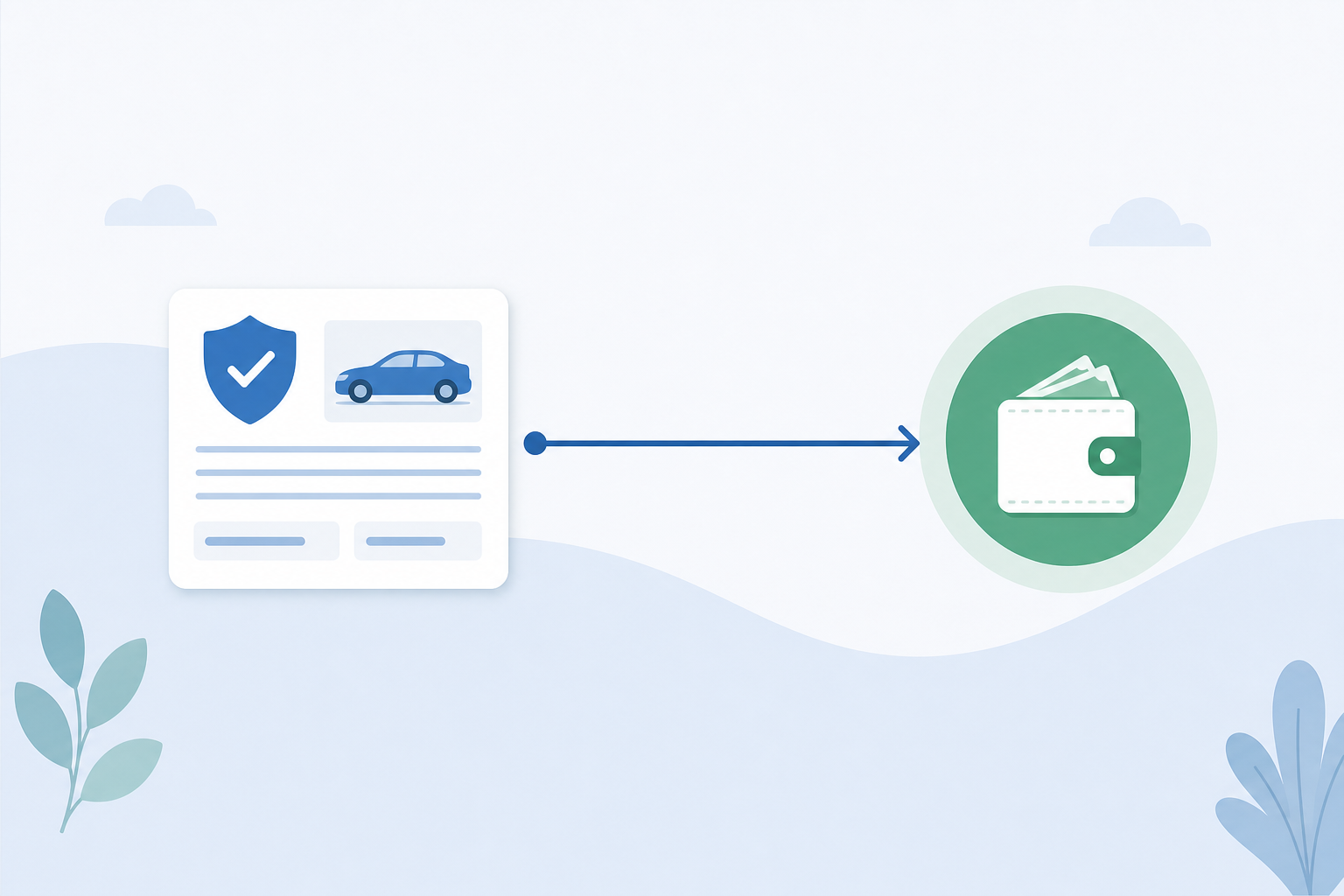
This option has the highest need for guardrails. A payment workflow may combine document extraction, predictive models, computer vision, NLP, and a decision engine. Each part can add a new failure point. If the record is wrong, the final payment can still look perfectly normal.
Start with a small claim group. Define the conditions for automatic movement. Then define the stop conditions in plain language.
| Workflow condition | Possible treatment | Human review signal |
|---|---|---|
| All required fields are present | Allow the claim to move to the next rule | A key field is blank or unreadable |
| Policy and loss facts match | Continue within the approved claim path | Dates, limits, or policy records conflict |
| Claim fits the defined low-risk group | Route toward payment review | Loss type falls outside the pilot group |
| Evidence supports the stated amount | Prepare the payment task | Invoice, photo, or estimate needs review |
| Audit record is complete | Close or advance the workflow | Source, rule, or reviewer record is missing |
The table is a design aid, not a blanket approval policy. Your legal and compliance teams still need to define the rules for your line of business and jurisdiction.
The research on automated payment for low-risk claims points to workflow automation and rule-based decision engines. It also advises a narrow pilot with careful ROI measurement. That means tracking more than claim cycle time. Watch payment corrections, exceptions, complaints, reversals, and review hours.
Explainability matters here. A reviewer should know why the claim passed, which evidence supported it, and where the final approval happened. Regulatory scrutiny can also require decisions to be fair, auditable, and understandable.
Integration is another make-or-break issue. Payment routing must connect to the systems that hold claim data and payment controls. Avoid a setup where staff copy values between screens just to keep the automation alive.
For most independent agencies, this is a later-stage option. Start with intake, documents, or summaries. Move toward straight-through work only when your data is stable and your exception process is tested.
FAQ
What is insurance claims automation?
Insurance claims automation uses software and AI to handle repeat claim tasks with less manual work. Common areas include First Notice of Loss intake, document extraction, validation, coverage lookup, client updates, and payment routing. The right setup keeps human review for coverage decisions, unusual losses, sensitive messages, and any step with material E&O risk.
What claims tasks should an agency automate first?
Start with a repeat task that has clear inputs and an easy review step. FNOL intake, document sorting, missing-field checks, and internal claim summaries are often easier starting points than automated coverage or payment decisions. Track current handling time before you change the workflow, so the insurance claims automation project has a fair baseline.
Can AI decide whether a claim is covered?
AI can help find relevant policy language, but a licensed human should review coverage decisions. Policy terms may include exclusions, endorsements, limits, and conditions that change the answer. A safer insurance claims automation design shows the source text, records the policy version, and routes unclear cases to a person.
How does claims automation handle privacy and compliance?
Claims automation needs access controls, secure data handling, clear audit records, and explainable decisions. Keep sensitive data out of prompts when it isn’t needed. Record the source used by each decision. Your compliance team should also define review points for coverage, fraud, payment, and client communication before launch.
How can a small insurance agency measure AI claims ROI?
Measure the full task, not one fast step. Track handling minutes, correction time, exception volume, review hours, and missed follow-ups before and after the pilot. Huge AI starts with a free 45-minute AI Growth Roadmap that identifies 3, 7 fixes and ties each one to expected hours and dollar impact.
Conclusion
For an owner-led agency, start with a workflow that saves time without making a coverage or payment decision on its own. Huge AI is the clearest fit when you want the system built and operated for you, with a stated 5+ hours per week savings guarantee. Grab a 45-minute AI Growth Roadmap before spending on development, and use the same-day report to choose your first claim task.
Want an AI employee that answers every lead instantly?
That's what we build at Huge AI. One flat plan, no fine print.
See pricing →