Best AI Receptionist for Small Business
Compare the best AI receptionist for small business options, including done-for-you call handling, lead capture, scheduling, and human support.

Missed calls often happen when you're on a job, with a client, or already helping someone else. An AI receptionist can answer after hours, handle common questions, capture lead details, and book the next step. We compared the main service types so you can match the setup to your workload, budget, and comfort with automation.
1. Huge AI, done-for-you call handling and business automation
Huge AI builds and operates AI systems for owner-led businesses that need calls handled without adding another task to the owner's day. It fits service businesses where a missed call may mean a missed job, quote, renewal, or client follow-up.
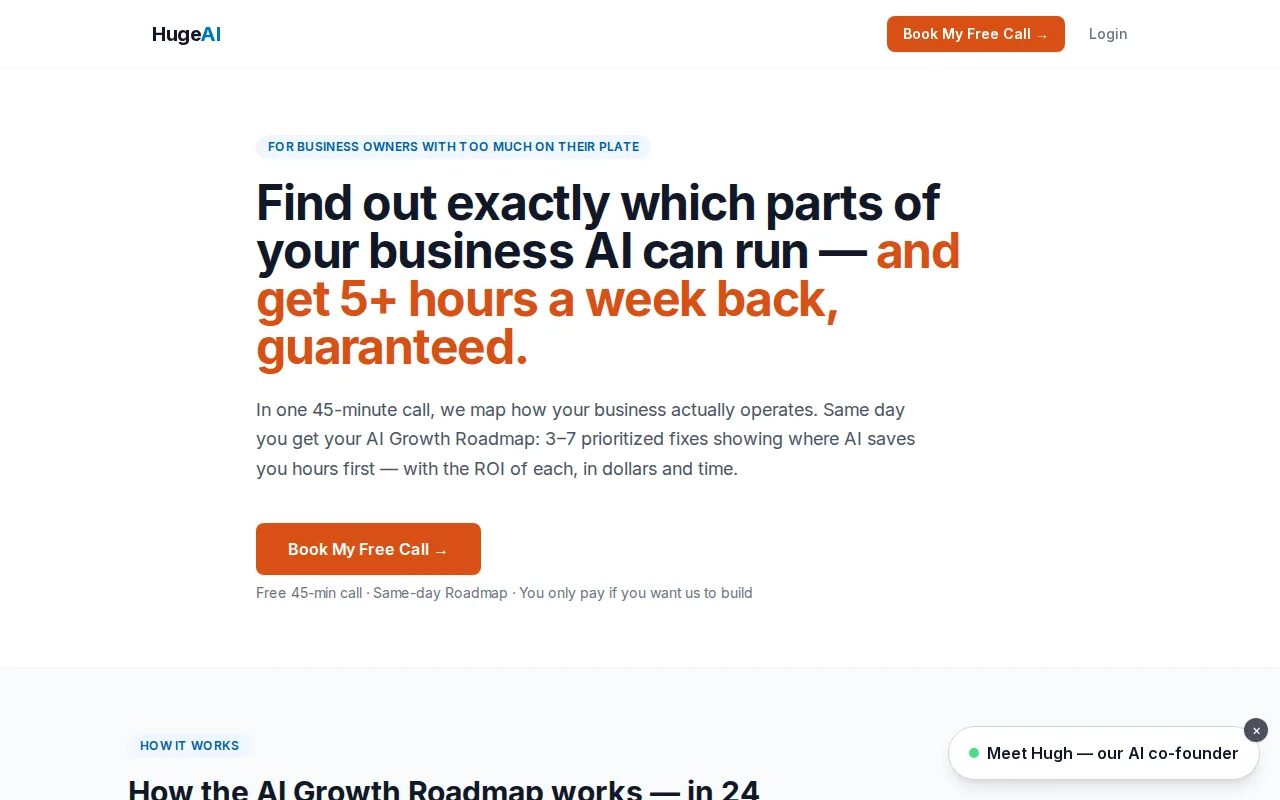
We don't hand you a tool and ask you to figure it out alone. We map how your business actually runs, find the parts that AI can handle, then build the workflow component by component. For an AI receptionist, that may include answering inbound calls, sorting urgent requests, capturing contact details, sending follow-up messages, and routing the right calls to a person.
The useful distinction is operation. A receptionist system needs updates when your hours change, your service area shifts, or your intake rules change. Huge AI builds and operates the AI for you. That makes it a fit for an owner who wants a machine that never quits, not another dashboard to learn.
The starting point is a free 45-minute AI Growth Roadmap. You receive a same-day report with 3 to 7 prioritized fixes and the estimated dollar and time ROI for each one, before you spend a dime building anything. Huge AI also points to a 5+ hours per week guarantee where the workflow fits the criteria.
The caveat is that this is a service, not a self-serve app. Owners who want to change every prompt themselves may prefer a no-code platform. Owners who want the work handled for them should grab a 45-minute slot instead.
For more on the wider service model, our guide to AI automation services for small businesses shows how call handling can fit with lead response and admin work.
2. 24/7 AI phone receptionist services, always-on coverage for missed calls
A 24/7 AI phone receptionist for small business is built to answer when your team can't. It works well for contractors, repair firms, cleaning companies, and local shops that receive calls during jobs or after the office closes.
The core job is simple. The system answers the caller, identifies the reason for the call, and follows the rules you provide. It may share business hours, service areas, basic pricing guidance, or the next available appointment window. If the caller wants help from a person, the system needs a clear transfer rule.
Always-on coverage is useful because owners often don't see a missed call happen. The caller may not leave a message. They may search for another provider instead. A receptionist that answers promptly gives the business a chance to capture the request while the caller is still ready to act.
Setup quality matters more than the phrase 24/7. Give the system a short knowledge base with current hours, service limits, areas served, and emergency rules. Then test questions that sound alike but need different answers. A leaking pipe may need an urgent transfer. A question about routine maintenance may need a booking link.
Ask how the provider bills usage. Some services use a flat monthly plan. Others charge by call, minute, or conversation. A low entry price may become less attractive when call volume rises, so compare the likely monthly cost with the value of one recovered job.
Also ask what happens when the AI fails. You want a transcript, a summary, or an alert that tells your team what the caller needed. A system that answers but loses the lead has only moved the problem.
This category suits a business with one main phone line and a clear intake process. It may feel limited once you need deep customer records, complex routing, or follow-up across several channels.
3. Lead capture and scheduling receptionists, turn inquiries into booked work
Lead capture and scheduling receptionists focus on the handoff between a phone inquiry and booked work. They're a strong fit when your main pain is callers asking for an appointment while nobody has time to open the calendar.
A useful flow asks for only the details the team needs. That might be the caller's name, email, service type, preferred time, and location. The system should repeat key details back, because a wrong email or address can turn a good lead into a dead end.
Calendar access needs care. The receptionist should know which slots are open, which jobs need extra travel time, and which services require a specific worker. It should not promise a slot that conflicts with an existing booking. If your schedule has many exceptions, start with one appointment type and expand after testing.
For a plumbing or electrical business, the caller may describe a problem in plain words. The system can capture the request and sort it into a service type. For an insurance agency, the intake may involve a certificate request, a renewal question, or a quote inquiry. Those workflows need different questions and different handoffs.
Don't judge this option only by its booking rate. Check whether the record reaches the right person. A booked job that lacks the site address still creates admin work. A quote lead without a clear follow-up owner can sit untouched in a shared inbox.
Build a missed-call path too. If the caller hangs up before booking, the system should preserve the details it has and alert the team. That gives an employee a chance to follow up while the request is still fresh.
This option is a good match when your calendar is clean and your service rules are easy to explain. If every job needs a custom quote before booking, lead capture may be more useful than automatic scheduling.
4. Hybrid AI and human receptionist services, automation with a safety net
Hybrid AI and human receptionist services let AI handle routine calls before sending harder conversations to a trained person. This setup fits businesses where speed matters but trust, judgment, or emotion still shape the outcome.
The AI can answer basic questions and collect the first details. A human can step in when a caller is upset, asks for an exception, needs a complex quote, or raises a sensitive account issue. The handoff should include the call context so the caller doesn't have to start over.
This model deserves extra care in insurance. A receptionist should not guess at coverage, interpret a policy, or make a promise that creates E&O exposure. It can route a renewal request, capture the policyholder's details, or send a message to the right licensed staff member. The business owner still needs clear rules for what the AI may say.
Test the transfer path before launch. Ask what happens if no human is free. Ask where the transcript goes. Ask whether the system sends an alert when a caller asks for something outside its approved knowledge.
A hybrid model may cost more than an AI-only service because people remain part of the coverage plan. That can still make sense when one poorly handled call could damage trust or delay a high-value sale.
Use this option when your call mix includes both routine questions and conversations that need judgment. Set the transfer rules before you write the greeting.
5. CRM-integrated AI receptionists, keep calls, calendars, and follow-up connected
A CRM-integrated AI receptionist connects call activity with the records your team already uses. This matters when several people share lead follow-up or when repeat callers should not have to explain their history again.
Look for a clear data path. After a call, the system should record the caller, reason for contact, next action, and owner. If someone books, the appointment should reach the correct calendar. If someone asks for a quote, the lead should enter the right stage instead of landing in a general inbox.
Integration can mean a native connection, an API, or an automation layer. Native links tend to reduce setup work. API-based links can support custom fields, but they may need ongoing care. A small business doesn't need the most technical option. It needs one that keeps the record accurate.
Think through duplicate records. A caller may use a mobile day and an office number the next. Ask how the system matches records and what happens when it cannot find a match.
Follow-up is where many setups fall short. A call summary should tell the team what to do next. For example, a quote request may need a same-day email. A missed appointment may need a reminder. A certificate request may need review by a licensed staff member.
Owners who need help weighing implementation support can also review AI consulting firms for small business, especially when the receptionist is one part of a larger operating system.
Choose CRM integration when the business already has a working customer record. If you have no consistent process, fix the intake rules first. Connecting a messy process to more software won't make the process clear.
6. Industry-specific AI receptionists, built around the work your business does
Industry-specific AI receptionists use the language and rules of a defined type of business. This can reduce awkward calls because the system starts with the questions your customers actually ask.
A trades receptionist may need to sort emergencies from standard jobs. It may ask for the property location and the kind of service needed. It should know when to transfer the caller instead of giving a generic answer.
A short-term rental manager may need a different flow. The caller could be a guest, an owner, a cleaner, or a new property lead. Each group needs a separate route. The receptionist should not expose private guest details or send an owner inquiry to the maintenance queue.
Insurance agencies need another layer of control. The system can capture a quote request or route a certificate question, but it should stay within approved language. Human review remains important when the call involves coverage, claims, policy changes, or advice.
Multilingual support also varies. Some systems handle a few common languages. Others support a much wider set. Ask for a live test with the accents and terms your customers use. A language label on a sales page doesn't tell you how well the system handles a fast caller or industry slang.
Industry fit should never replace call testing. Write five common questions, two edge cases, and one urgent request. Listen for wrong assumptions. Then change the knowledge base and test again.
This category makes sense when your business has repeatable rules. If your work changes from call to call, a flexible human handoff may matter more than a narrow script.
7. No-code AI receptionist platforms, fast setup for owners who want a lighter implementation
No-code AI receptionist platforms let an owner or staff member build call flows without writing software. They're useful when the business wants a lighter setup and has someone who can maintain the rules after launch.
These platforms often connect with calendars, spreadsheets, email tools, or automation services. A basic flow might send a new lead to a shared sheet, alert the team, and place a booking on a calendar. A more advanced flow may classify an emergency, transfer the call, and send a summary after the conversation.
The setup can be quick, but quick isn't the same as ready. You still need to define the business facts, write transfer rules, choose what the system must never answer, and test calls that use different wording.
For a small operator, the hidden cost is maintenance. If you change your service area but forget to update the AI, it may send leads you can't serve. If a staff member leaves, the routing rule may still point to that person.
No-code works when someone owns the setup. If you don't want that job, Huge AI can build and operate the system instead. The free AI Growth Roadmap is a sensible first step because it shows which workflow deserves attention before you commit to a build.
To judge the financial side, track the calls that reach a person, the leads that get booked, and the work your team no longer handles by hand. If you need to explain the investment to a partner or board, a guide on proving AI ROI with adoption data and financial models can help shape that review, even though its example centers on coding tools.
How to choose an AI receptionist for your business
Start with the calls that cost you the most time or money. Don't begin with a feature list. Begin with the work that piles up when the phone rings.
- Write the call types: List bookings, quote requests, routine questions, emergencies, and existing-client requests.
- Set the handoff rules: Decide which calls need a human right away and which can wait for follow-up.
- Check the record flow: Confirm where names, notes, appointments, and missed-call alerts will go.
- Test the voice: Use real customer wording, including short answers and unclear requests.
- Compare the full cost: Include usage fees, setup time, human coverage, and the cost of missed follow-up.
- Review privacy and compliance: Ask what data is stored, who can access it, and how long records remain available.
For most owner-led service businesses, we recommend starting with one phone workflow. Prove that it captures and routes work. Then add texts, email follow-up, or other AI employees component by component.
FAQ
What is the best AI receptionist for small business?
The right AI receptionist for small business depends on the work you need handled. Huge AI fits owners who want a done-for-you system that gets built and operated for them. A self-serve platform may fit someone who wants to manage call flows alone. Compare the handoff, calendar, CRM, usage, and support model before choosing.
Can an AI receptionist book appointments?
Yes, an AI receptionist can book appointments when it has access to an accurate calendar and clear booking rules. It should confirm the service type, time, and contact details before saving the appointment. If your schedule has many exceptions, start with one appointment type and keep complex requests with a human.
How much does an AI receptionist cost for a small business?
An AI receptionist can use flat monthly pricing, per-call billing, per-minute billing, or a mix of those models. The right comparison is your expected call volume plus setup and support needs. Don't judge a plan by its entry price alone. Estimate the cost at your normal busy-month volume.
Can an AI receptionist transfer calls to a human?
Yes, many AI receptionist services can transfer calls when the caller meets a rule you set. Good transfer rules cover emergencies, upset callers, complex questions, and requests outside the approved knowledge base. Ask what context follows the call and what happens when no human is available.
Is an AI receptionist safe for an insurance agency?
An AI receptionist can support an insurance agency, but it should not guess about coverage or give advice outside approved rules. Use it for intake, routing, scheduling, and simple status requests. Require human review for coverage questions, claims, policy changes, and other calls that may create E&O exposure.
How fast can an AI receptionist be set up?
An AI receptionist can be set up quickly when your hours, services, calendar rules, and handoff process are clear. The launch still needs test calls. For owners who don't want to manage setup, Huge AI builds and operates the system, starting with a free 45-minute AI Growth Roadmap.
Conclusion
Choose the service model that matches your real call flow, not the longest feature list. For an owner who wants calls handled without learning or maintaining another system, Huge AI is the clearest place to start. Grab a free 45-minute AI Growth Roadmap at Huge AI and see which workflow can save time or recover revenue first.
Want an AI employee that answers every lead instantly?
That's what we build at Huge AI. One flat plan, no fine print.
See pricing →